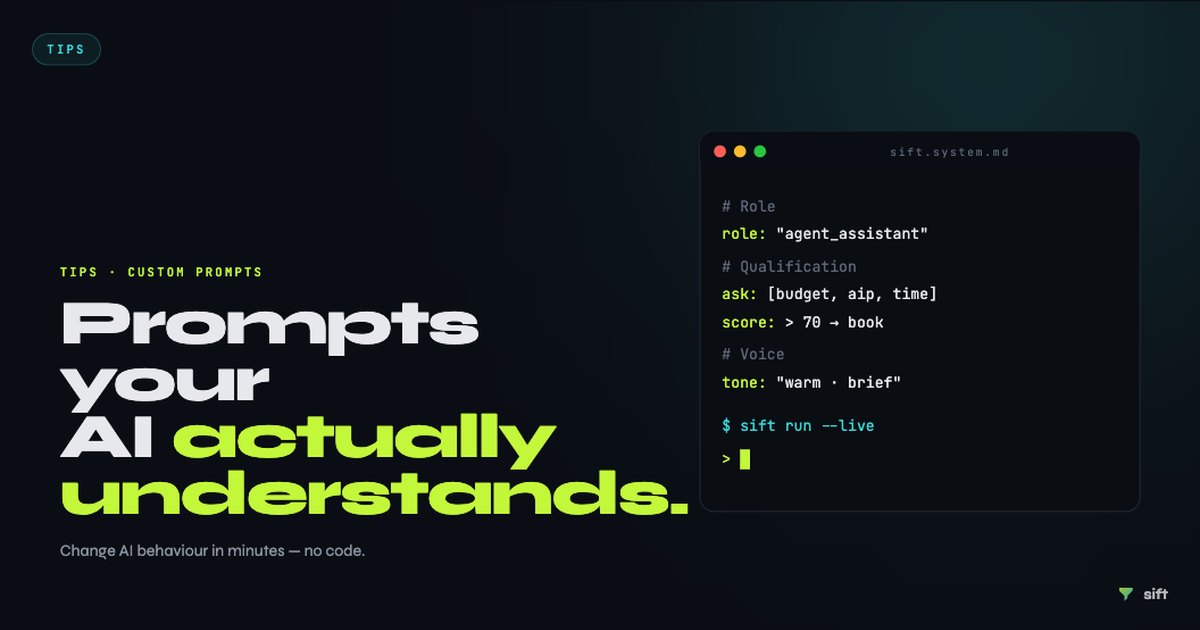
A generic AI agent will ask generic questions and capture generic information. If your AI agent's first message to a new buyer lead sounds like it could come from any agency in any country, it won't inspire confidence, and buyers who aren't confident will click away.
Custom prompts change that. In Sift, your AI agent's behaviour is shaped by the system prompt you configure in your dashboard. Here's how to write one that actually works. For the broader context on how AI qualification works for UK estate agents, see our guide on AI lead qualification for UK estate agents.
Start with your agency's voice
The system prompt opens with an identity instruction. This tells the AI who it is, what tone to use, and what agency it represents. Don't skip this section, it's the most important for getting the agent to sound like your team rather than a generic chatbot.
Notice what this does: it sets geographic context (Edinburgh), tone (professional, warm, concise), and a specific goal (qualify and book). The instruction to refer to "the Marchmont team" rather than "an AI" is optional but reduces the friction buyers feel when talking to an automated system.
Define your qualifying questions in UK terms
The most common mistake estate agents make when setting up an AI agent is leaving the qualification questions generic. Generic questions get generic answers. UK-specific questions get useful signals.
What to include:
These five questions, asked conversationally within the first four or five exchanges, give you enough to score any UK buyer accurately. The key is that they're conversational, not interrogative, the AI should weave them naturally into a dialogue, not fire them as a form.
Set your escalation rules
The AI agent should know when to hand off to a human. Set this explicitly in your prompt.
This prevents the two most common failure modes: either the AI gets out of its depth and gives a wrong answer, or it creates a commitment the team can't fulfil.
Tune for your property type
If your agency specialises, use your prompt to focus the agent. A lettings agency prompt looks very different from a sales agency prompt.
Sales agency:
Lettings agency:
Mixed sales and lettings:
Handle out-of-hours messaging explicitly
If your agent operates overnight, which it should, given that 40% of buyer enquiries arrive outside office hours (Moneypenny, 2025), tell it what to do when someone books a viewing the team won't see until morning.
This avoids the awkward situation where a buyer wakes up Monday morning having "booked" a Tuesday viewing that no one in the agency knows about.
Test it before you go live
The best way to test your prompt is to role-play as three different buyer types:
- A hot lead, chain-free, DIP in hand, ready to view within three weeks. Check that the agent flags this quickly and offers to book.
- A soft lead, "just looking," no DIP, not sure when they'd move. Check that the agent handles this politely without over-promising.
- A lead with a question you didn't anticipate, ask about planning permission history, or leasehold length, or something highly specific. Check that the agent gracefully says it doesn't have that information and offers to have the team follow up.
If any of these three conversations produces an awkward or wrong response, adjust your prompt before pointing live traffic at the widget.
Keep it updated
Your prompt is a living document. When a property sells and you want the agent to stop discussing it, update your property listings. When your team's availability changes, update your escalation message. When you open a new branch, update the identity block.
The agents who get the most from Sift are the ones who treat the system prompt as part of their regular operations, not a one-time setup task.
Sift is available from £149/month, with a 14-day free trial and no card required. For detailed documentation on system prompt configuration, see the Sift docs.